Find where to buy
Discover where to buy a phone on installments.

Find out where to buy a phone on installments, check your orders and manage repayments with Boost Buy.
Boost Buy, from the company behind PAYLATA.
Install the app and keep your plan close.
Download for AndroidOpen this download page on your Android phone.
Your download should start shortly. Open the file from your downloads to continue. View installation steps.

Scan with your Android phone to open this download page.
Local preview: the QR code and copied link will open this page after publication.
Your bills, payments and records, together on your phone.
Discover where to buy a phone on installments.
See your installment details, payment information and records.
Use the bank name, account name and account number in the app to make a bank transfer.
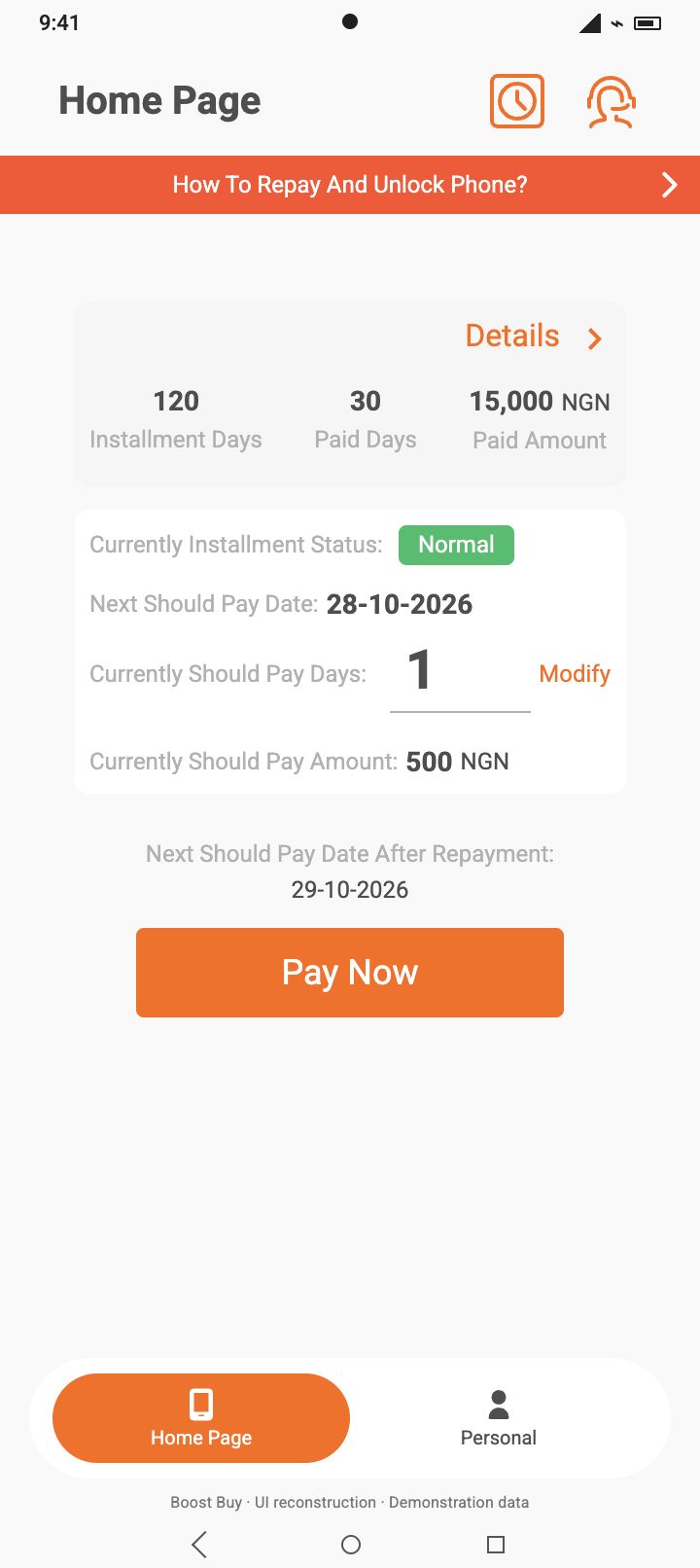
See your installment details and payment information.
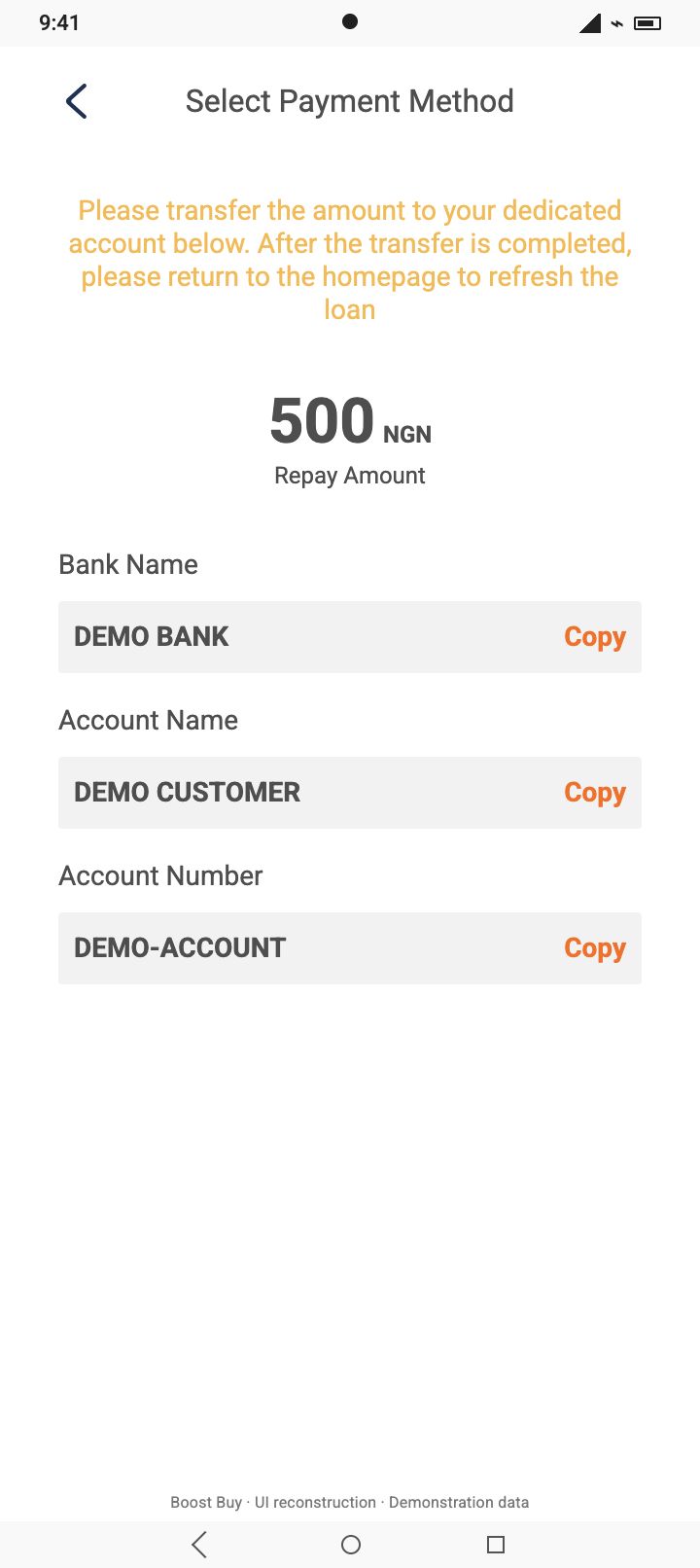
Find your bank name, account name and repayment account number.
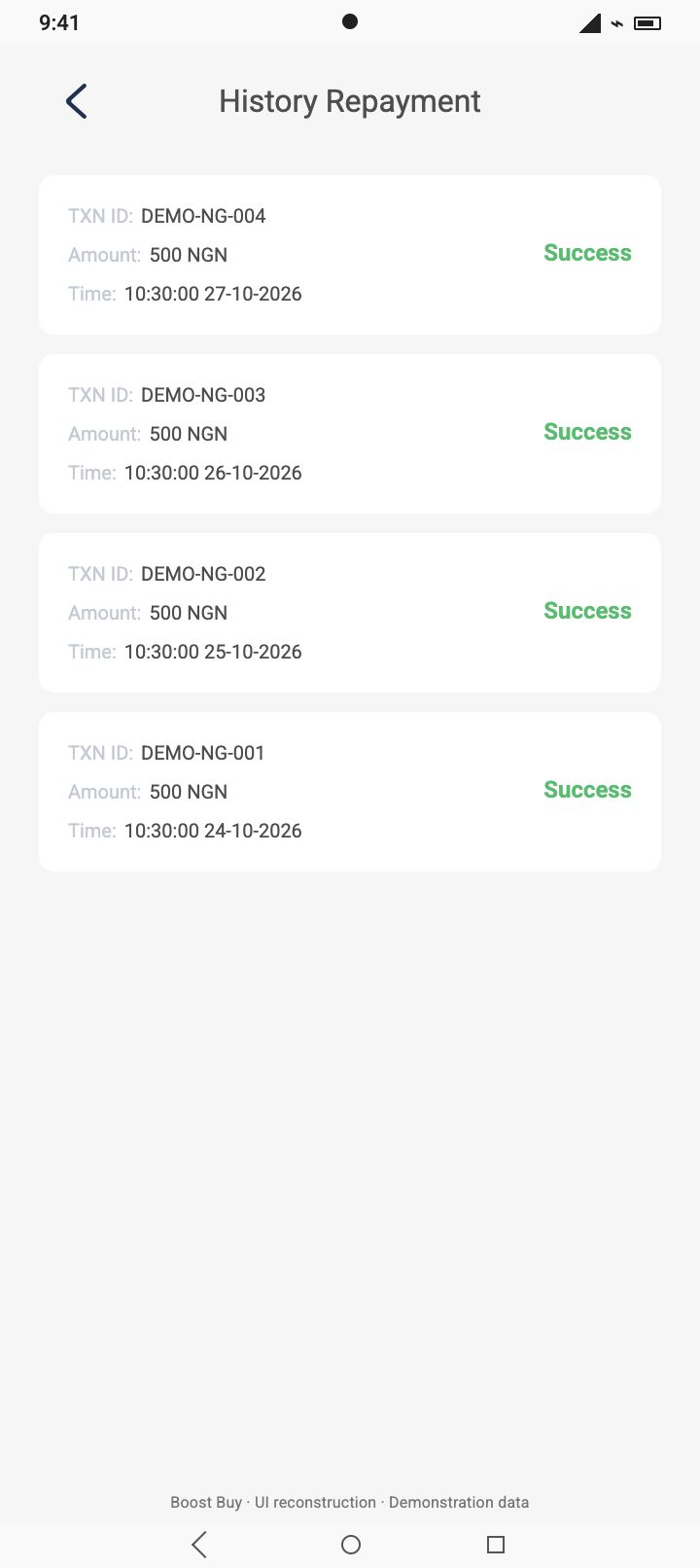
Keep track of repayments and contract information.
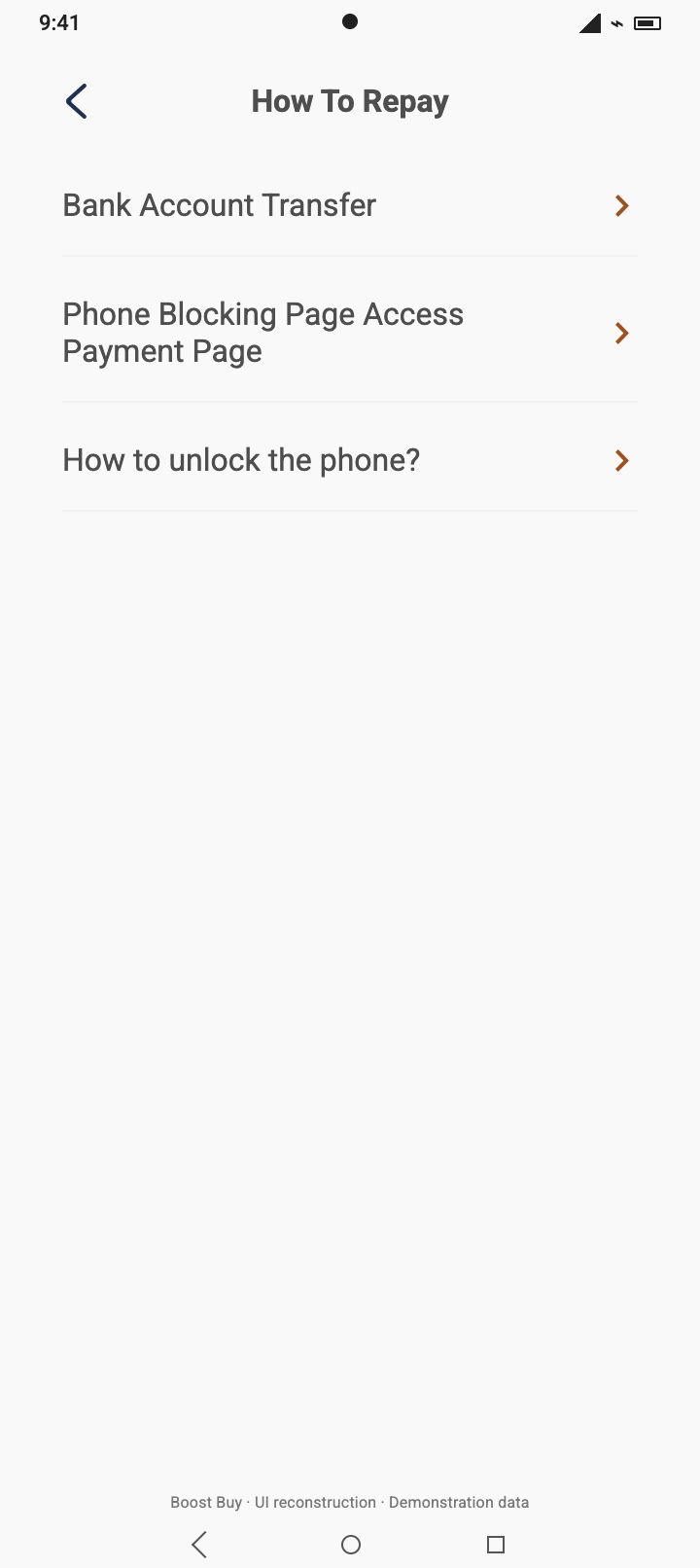
Find bank transfer and phone payment guidance in the app.
Illustrative app screens recreated from the app interface. Demonstration data.
Tap Download for Android, then open the APK file from your browser’s downloads.
If asked, allow installation for the browser used for this download, then return to the file and continue.
Sign in to see your installment plan, payment details and records.
Installation prompts vary by Android version and phone. Keep your phone’s security protection on. For help with an installation warning, contact us.
App name on your phone: Boost Buy
Return to this page for the current download, or follow the update prompt in the app.
Send us a message about the app or your question. You can also email contact@paylata.com.
Keep your bills, payments and records close.